
Know what's due before it is due.
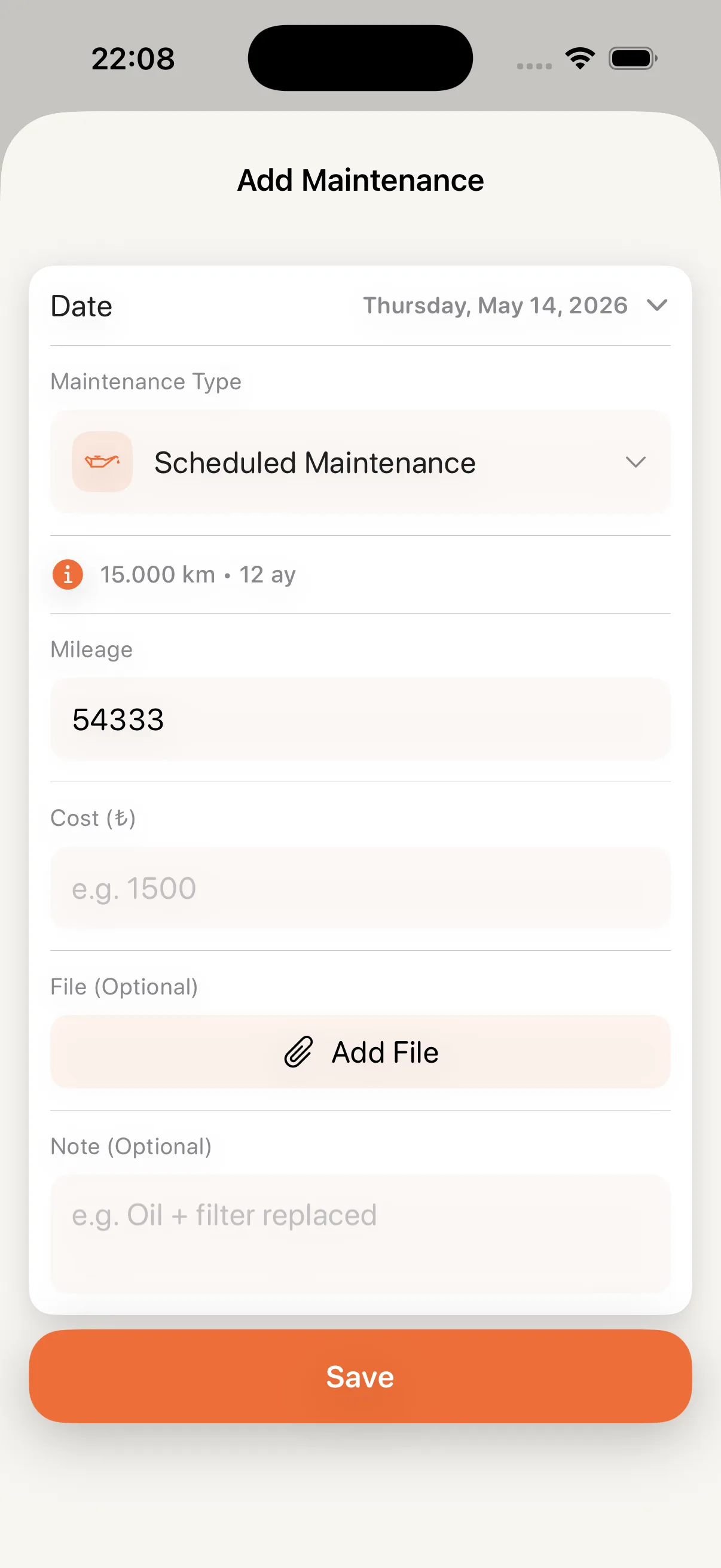
Plan maintenance by date or mileage. Keep completed work, replaced parts, costs and documents in the same record.
- Date and mileage reminders
- Photo, receipt and file attachments
- Quick access to completed work
Your car's digital companion
Your car's past, present and next need, all in one place.
Stay ahead of maintenance, see fuel and expenses, and keep your trips. Build an organized memory for your car instead of relying on scattered notes.
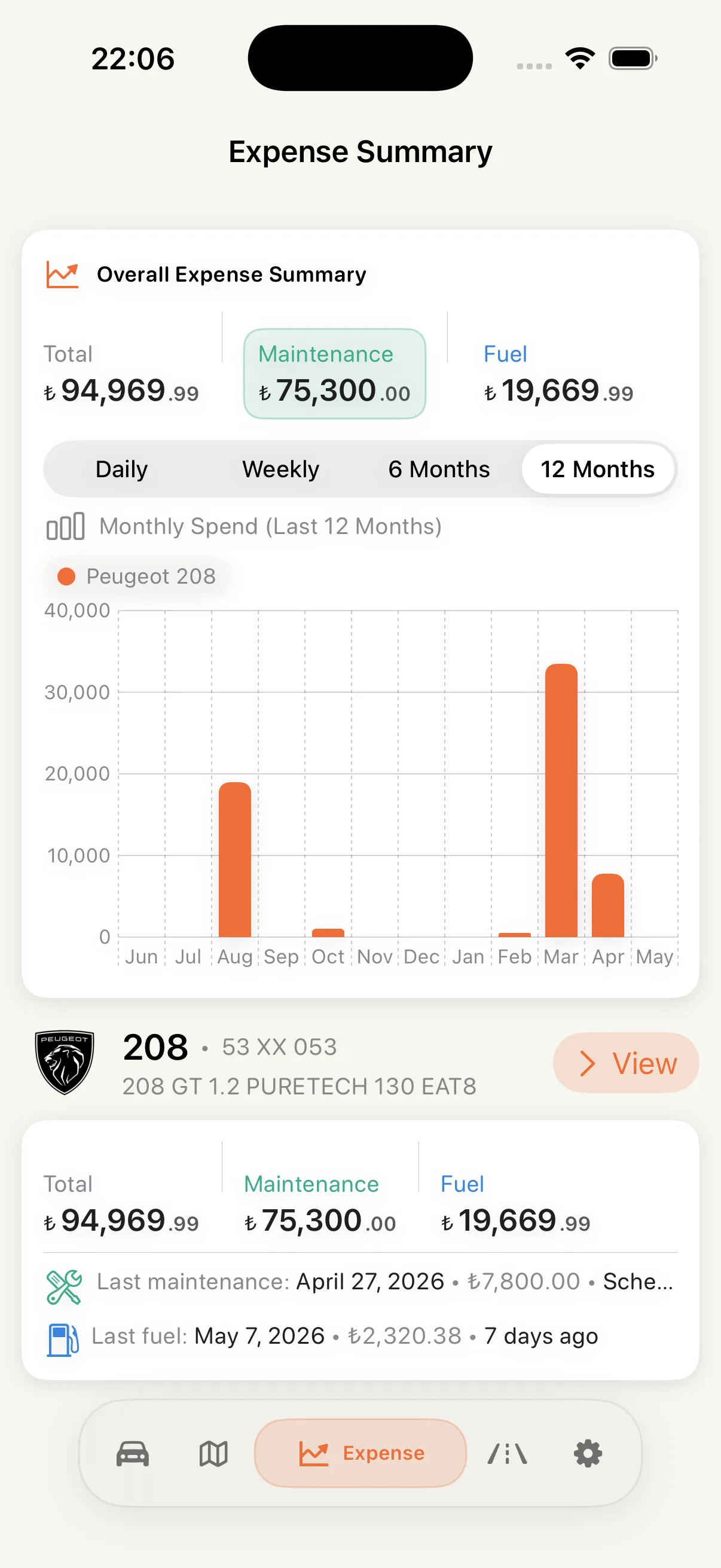
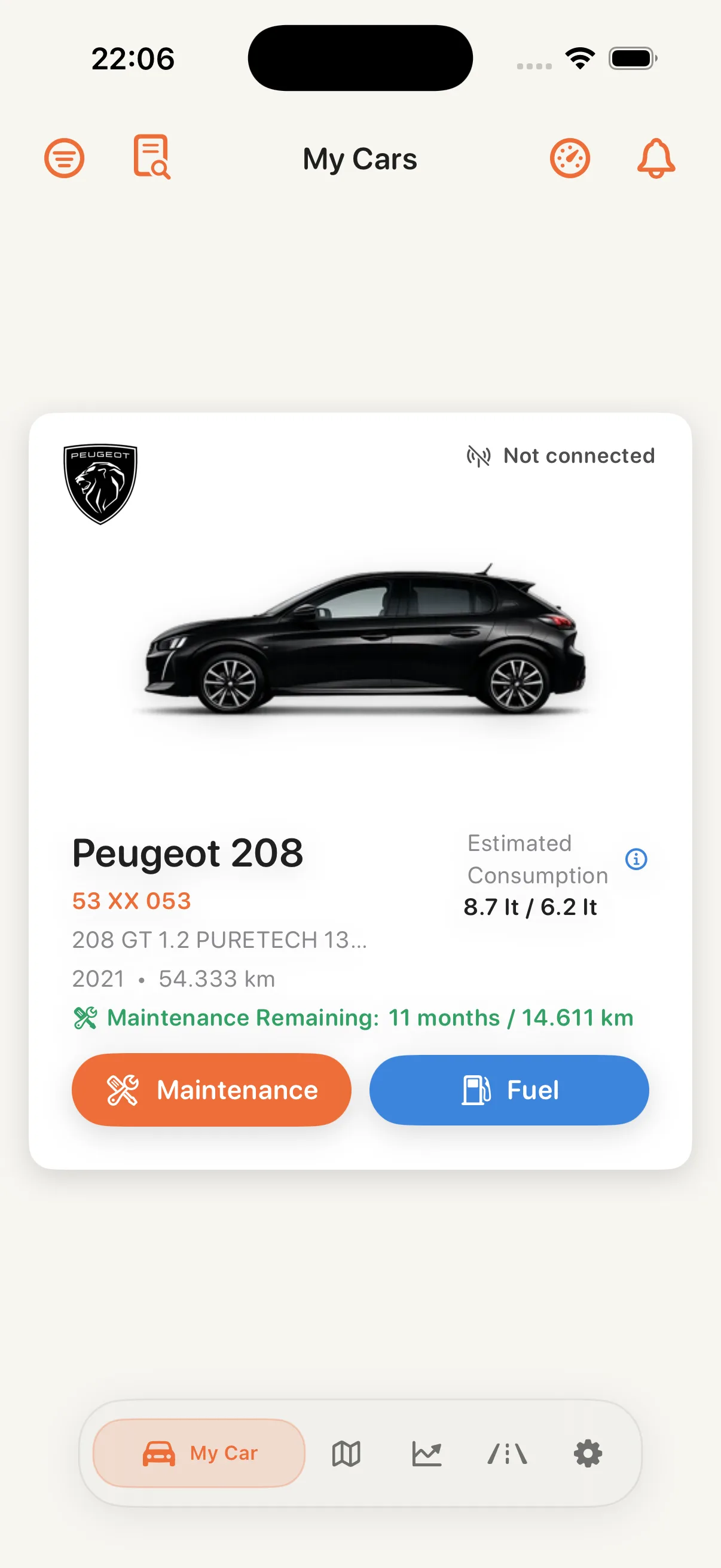
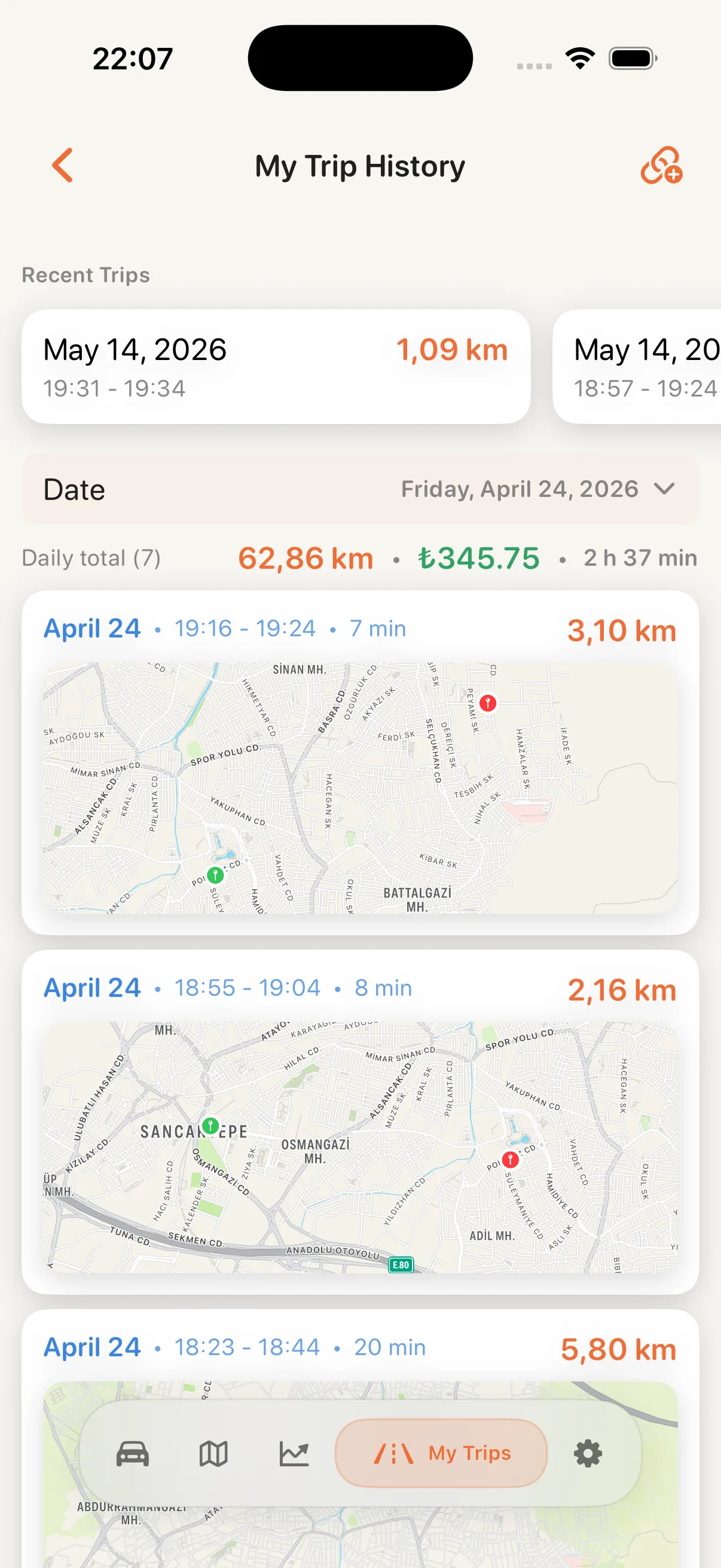
CarCare does more than store records. It brings maintenance, fuel, expenses and trip data together to help you understand your car today and prepare it for tomorrow.
Plan maintenance by date or mileage. Keep completed work, replaced parts, costs and documents in the same record.
Record fill-ups and other vehicle expenses. Follow totals by period, maintenance and fuel distribution, and changes by car.
Save trips with route, duration and distance. Review daily totals and find previous drives from the calendar.
Create an organized vehicle report from maintenance, mileage and record history. Preview and share it when you need it.
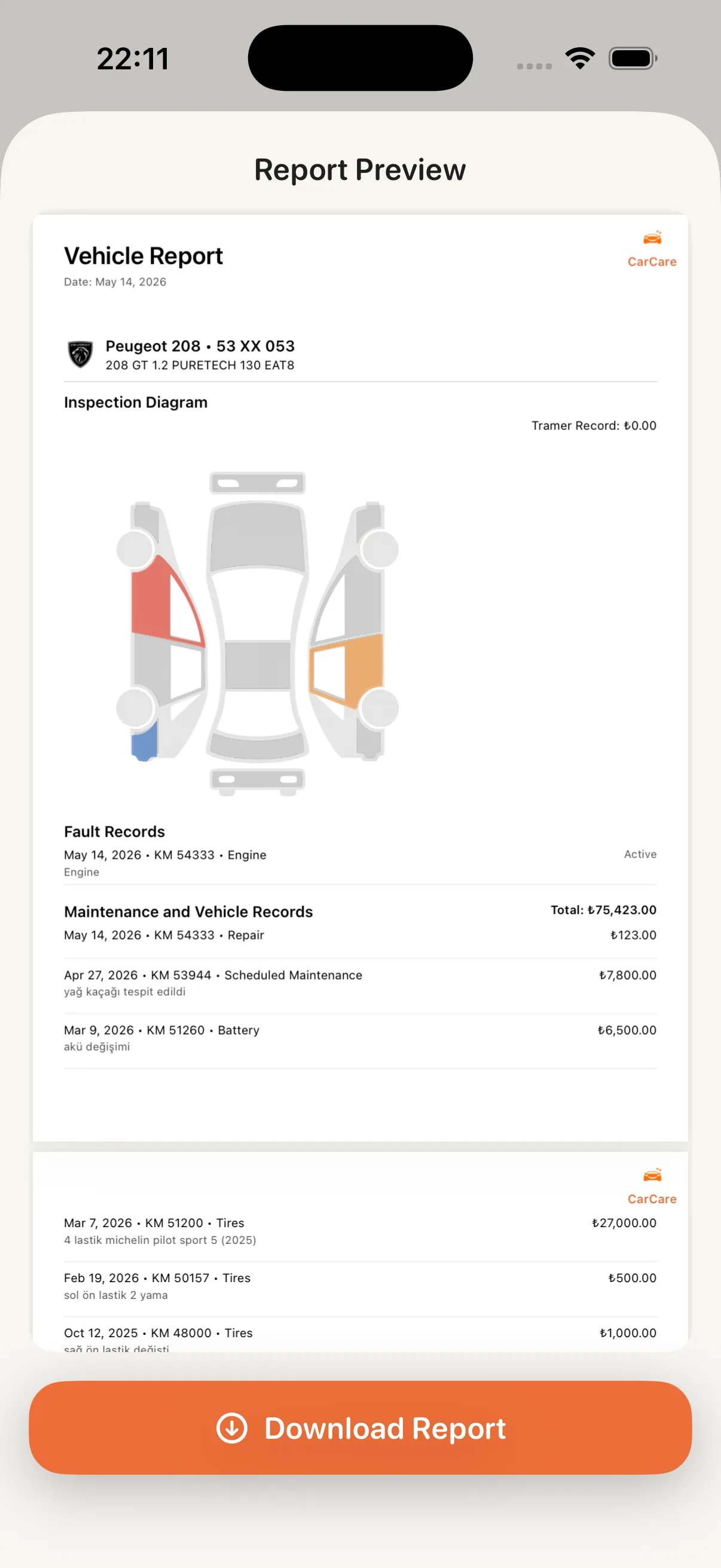
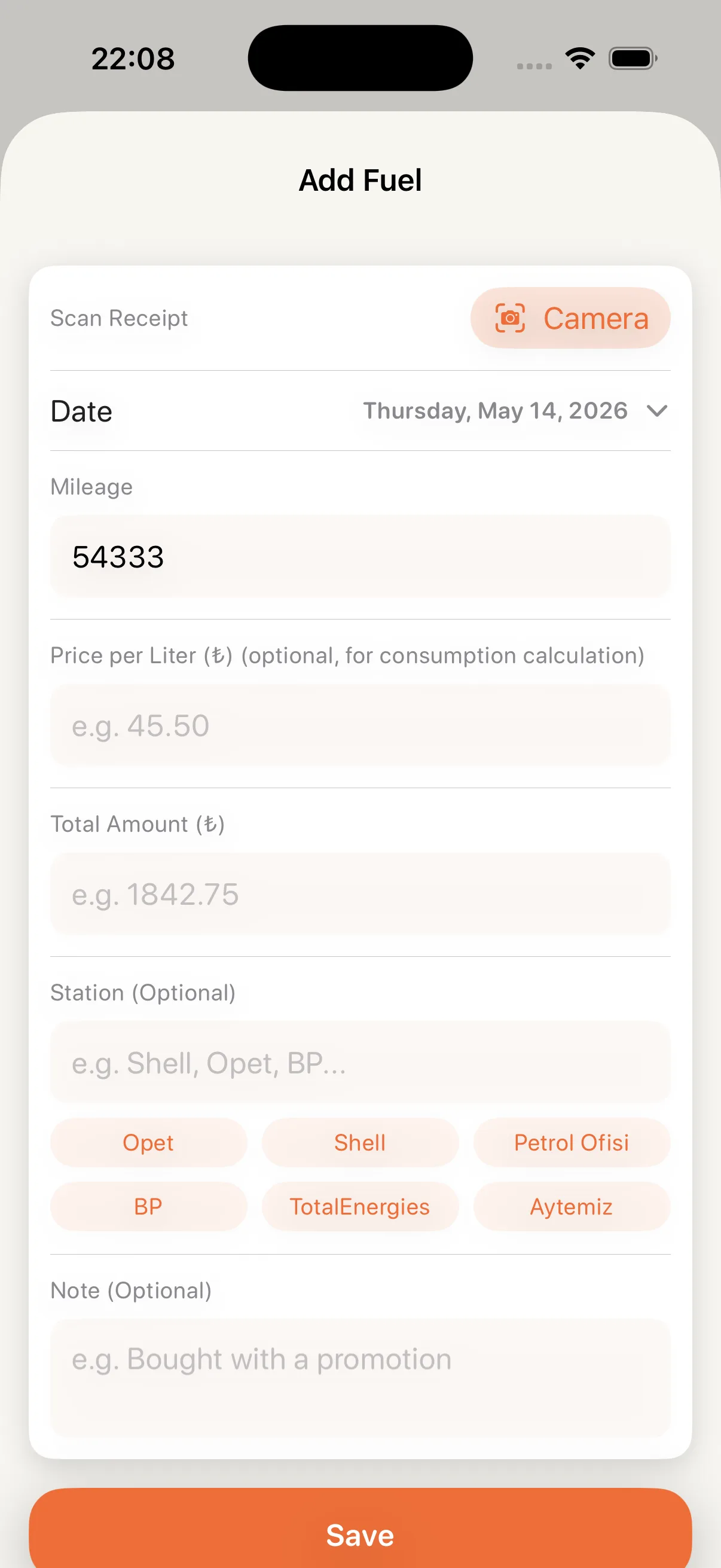
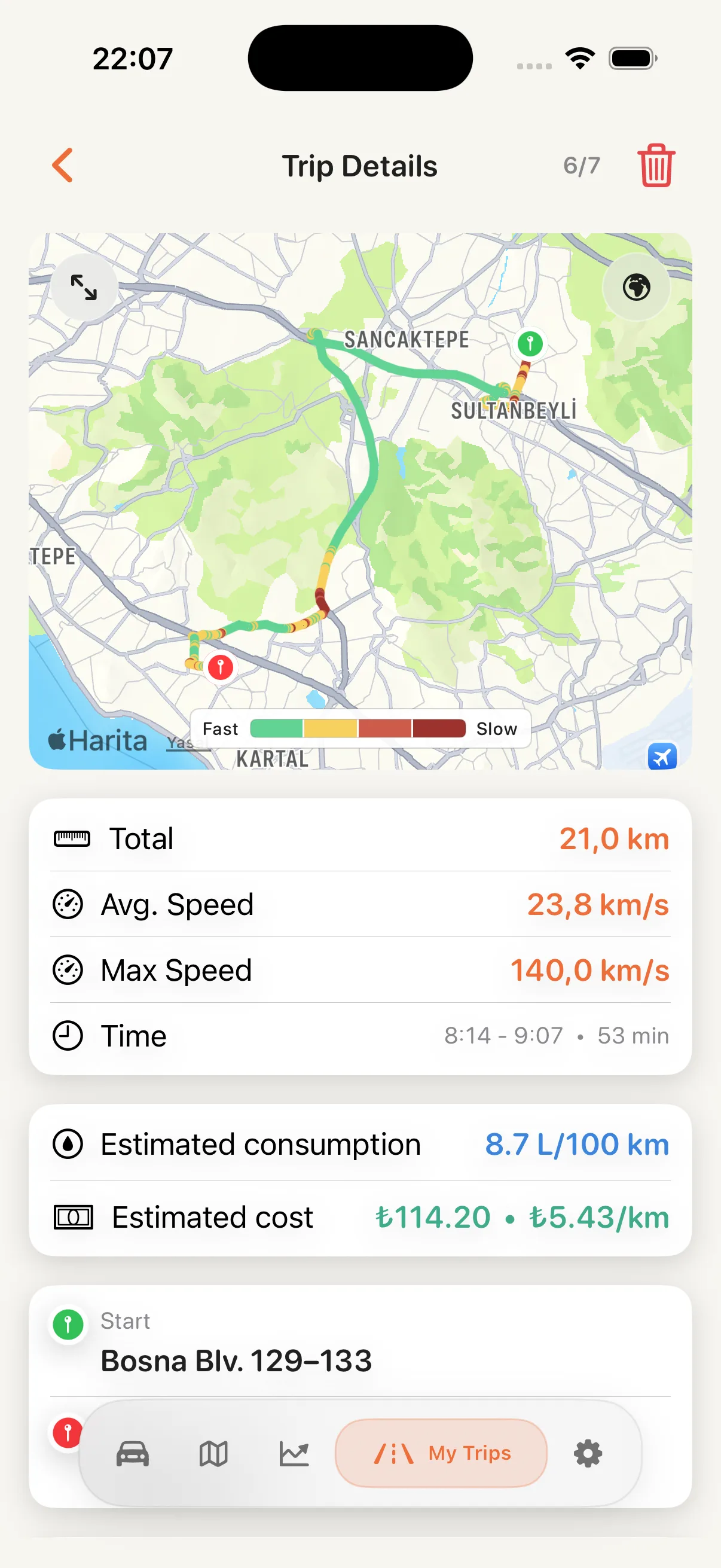
The next service, latest fill-up or work completed months ago. CarCare gives you a clear history without making you search through individual notes.
Add your car, enter what you already know and make CarCare part of your routine without a long setup.
Create your digital garage with make, model, plate and current mileage.
Add maintenance, fuel and previous work to start an organized vehicle record.
See upcoming maintenance, expenses and trips from one continuous flow.
Alongside essential records, CarCare includes tools that help you understand your vehicle in more detail.
Different records come together under one vehicle profile and produce clear output whenever you need it.
Record driving data and compare it with previous measurements.
Bring maintenance and mileage history together in one document.
Add information more quickly with receipt scanning and entry helpers.
Short answers to common questions before getting started with CarCare.
CarCare brings maintenance, fuel, expense and trip records together in one app so you can follow your car's current status and history.
Yes. You can add multiple cars to your garage and manage each car's records and reports separately.
You can attach notes, photos, receipts and related files. On supported devices, receipt scanning can fill some fields faster.
Trips can be stored with route, duration, distance and date. Calendar view and daily totals make previous drives easier to review.
CarCare is free to download from the App Store. Current in-app options are shown on its App Store page.
Download CarCare, add your car and keep every record in one place.